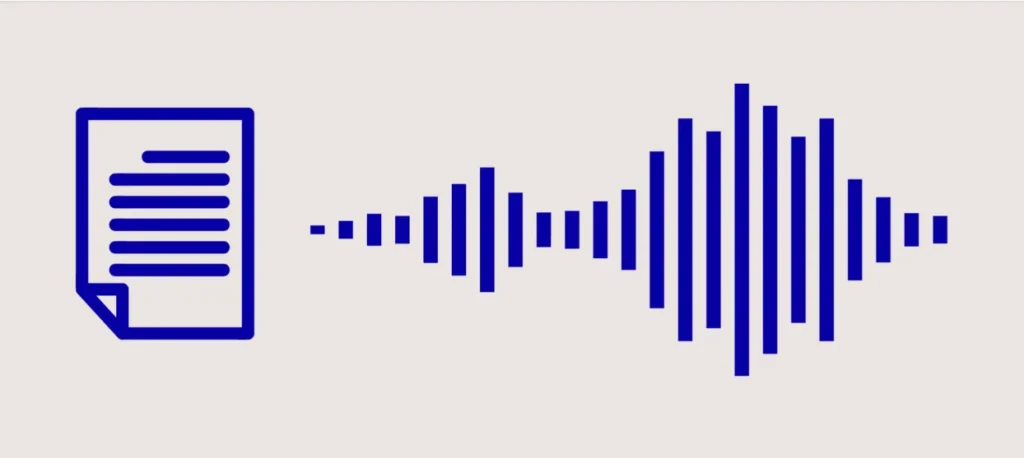
Natural Reader is the leading assistive technology and productivity tool designed to read text aloud using high-fidelity AI voices. It functions as a bridge between visual text and auditory learning, helping students, professionals, and individuals with dyslexia consume digital content more efficiently.
Key Takeaways
- Best For: Accessibility, proofreading, and multitasking during commutes.
- Core Feature: High-quality text to speech reader available as a Chrome extension, mobile app, and desktop software.
- File Support: Seamlessly handles PDFs, Google Docs, Kindle eBooks, and physical images via OCR.
- 2026 Innovation: Integration with LLM-powered “HD Pro” voices for near-human emotional inflection.
Table of Contents
What is Natural Reader?
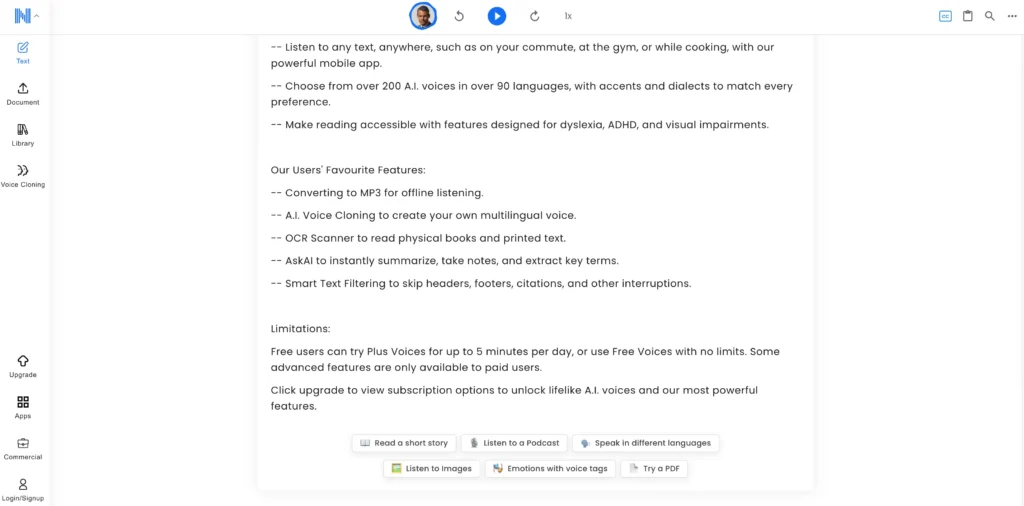
Natural Reader is a cross-platform text to speech (TTS) application that converts written text into spoken audio. By leveraging advanced AI, it allows users to “read” with their ears, supporting over 20 languages and 150+ diverse voices. It is widely recognized as the gold standard for ai reader software due to its “Smart Filtering” technology, which automatically skips distracting headers, footers, and URLs in documents.
How to Use Natural Reader for Maximum Productivity?
To use Natural Reader, you simply upload a document or use the Chrome extension to click “Play” on any webpage. The software then processes the text and begins the read aloud text function while highlighting each word in real-time to improve comprehension.
Step-by-Step Setup:
1. Install the Extension: Add the naturalreader extension to Chrome to read emails and websites instantly.
2. Upload Documents: Drag and drop PDFs, Word docs, or EPUBs into the web app or desktop version.
3. Use OCR for Images: Use the “Scan to Text” feature to convert screenshots or physical book photos into editable, spoken text.
4. Download MP3s: For offline listening, convert your text into high-quality audio files to listen on the go.
Top 5 AI Text to Speech Alternatives in 2026
While Natural Reader is a powerhouse for personal productivity and accessibility, the 2026 landscape of AI voice technology offers specialized tools for creators, developers, and global enterprises. If you need more than a standard text reader, these five alternatives provide cutting-edge features ranging from emotional “infusion” to ultra-low latency for real-time applications.
1. ElevenLabs: The King of Emotional Infusion
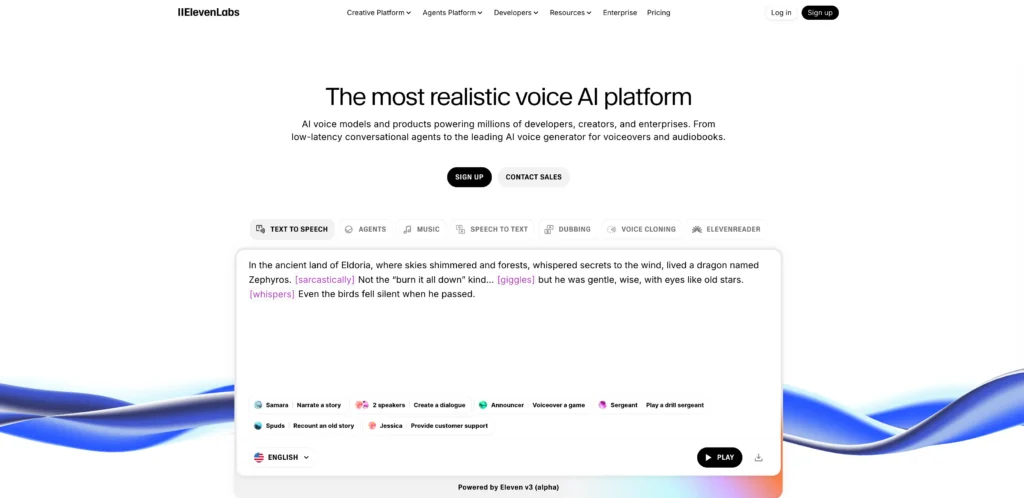
ElevenLabs is the industry leader for high-fidelity, context-aware AI voices that capture the subtle nuances of human emotion. In 2026, their “Eleven v3” model has moved beyond simple speech to include audible breaths, laughter, and varying intensities of excitement or sorrow.
Key Features:
- Speech-to-Speech (STS): Transform your own vocal performance into another character’s voice while keeping your original pacing and emotion.
- Voice Design: Generate entirely new, unique voices from a text prompt (e.g., “A raspy, elderly pirate with a thick accent”).
- Professional Voice Cloning: Create a digital twin with just 30 seconds of audio.
Pros: Unmatched realism; supports 70+ languages with native-level clarity; extensive API for developers.
Cons: Higher price point for commercial use; 5,000–40,000 character limits per generation can be restrictive for long-form books.
2. Gaga AI: Specialized Video and Audio Infusion
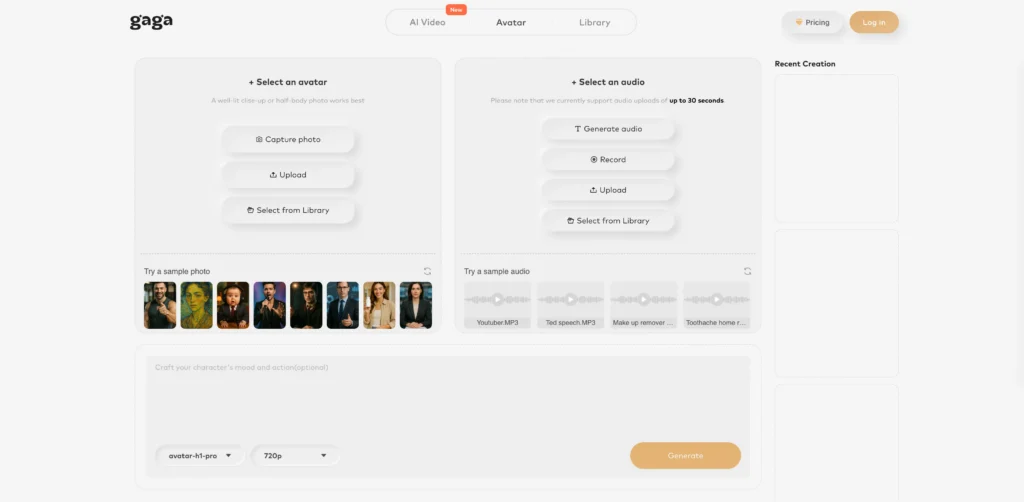
Gaga AI goes beyond a traditional text to speech reader by focusing on “visual-audio infusion.” This tool is designed for creators who want to see their text come to life through talking avatars and social-first video content.
Key Features:
- Video Infusion: Syncs AI-generated audio with static images or videos to create realistic talking heads with micro-expressions.
- Celebrity & Character Library: Access recognizable tones and stylized voices for parody or high-impact marketing.
- Social Sync: One-click formatting for TikTok, Instagram Reels, and YouTube Shorts.
Pros: Best for social media engagement; eliminates the need for complex video editing; very intuitive for beginners.
Cons: Less focused on document reading (PDFs); limited customization for technical or academic narration.
3. Minimax Audio: The Real-Time Conversation Specialist
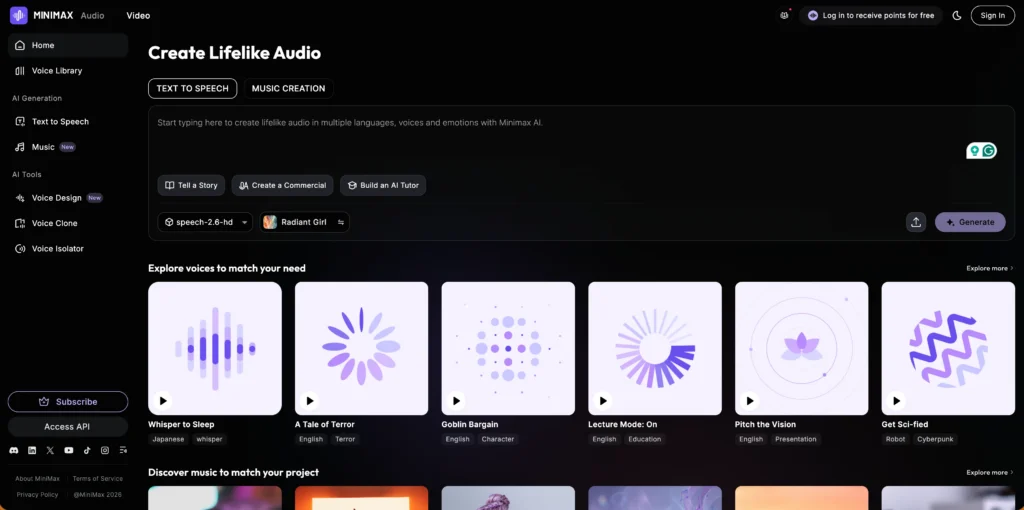
Minimax Audio is the preferred tool for interactive voice agents, offering the lowest latency in the market (sub-250ms). If your goal is to build a “live” assistant or a gaming character that responds instantly, Minimax is the standard.
Key Features:
- Ultra-Low Latency: Optimized for WebRTC and live streaming.
- Specialized Format Handling: Unlike many ai reader tools, it perfectly reads complex URLs, IP addresses, and monetary amounts without mispronunciation.
- Fluent LoRA: High-fidelity voice cloning that works even with low-quality source recordings.
Pros: Instantaneous response time; professional-grade audio quality (44.1kHz); smart handling of non-standard text.
Cons: Steeper learning curve for non-technical users; interface is geared more toward developers than casual readers.
4. Play.ht: The Massive Voice Library
Play.ht provides the most extensive selection of voices and accents, making it the best choice for global localization. With over 800 voices across 140+ languages, it covers regional dialects that most other platforms miss.
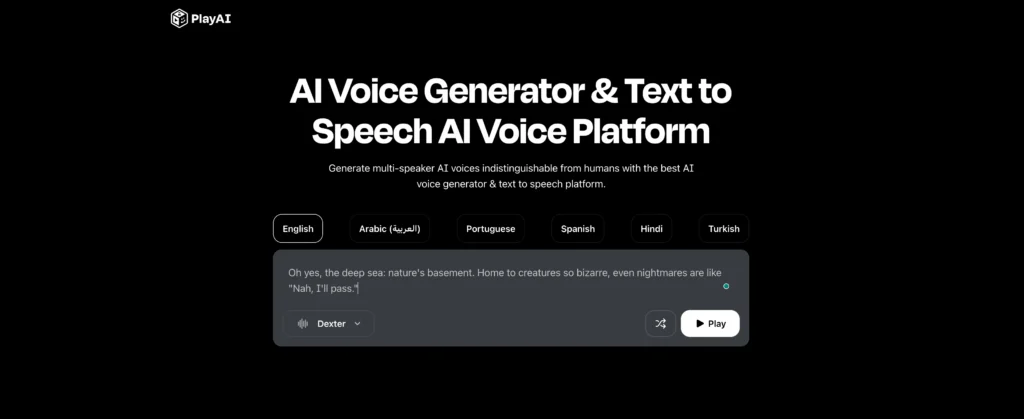
Key Features:
- Multi-Speaker Dialogue: Easily assign different voices to different paragraphs within a single document—perfect for podcasts.
- SSML Support: Granular control over pauses, emphasis, and phonetic pronunciation.
- WordPress Plugin: Automatically converts blog posts into listenable audio articles.
Pros: Incredible linguistic diversity; excellent for bloggers and news sites; simple web-based editor.
Cons: Service can experience slowdowns during peak hours; “Unlimited” plans often have hidden fair-use restrictions.
5. Dupdub AI: The All-in-One Content Suite
Dupdub AI is a comprehensive marketing toolkit that combines text-to-speech with AI writing and video editing. It is designed to be a “one-stop-shop” for marketing teams who need to move from a raw idea to a finished video in minutes.
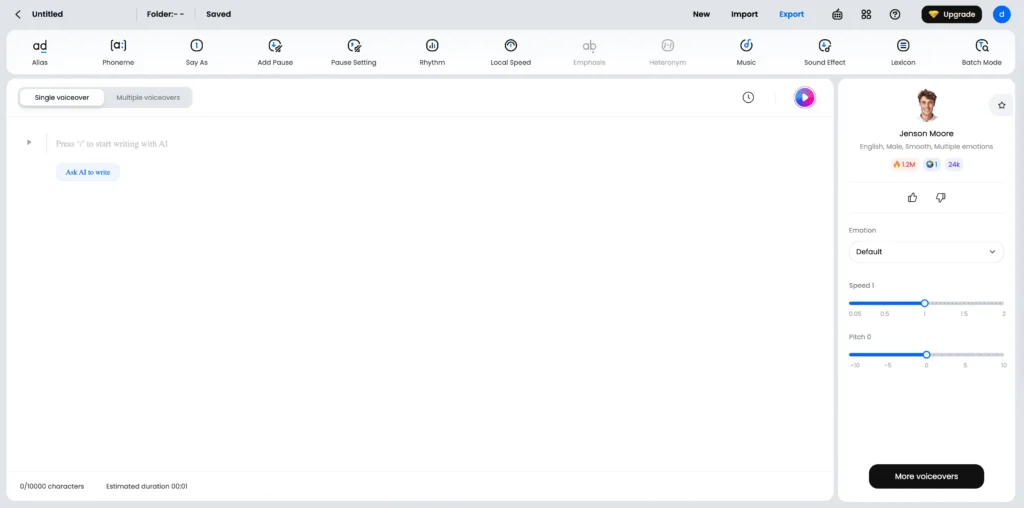
Key Features:
- Transcription & Subtitles: Automatically generates and aligns subtitles with the spoken audio.
- AI Writing Assistant: Built-in LLM to help draft scripts before you convert them to speech.
- Lip-Sync Avatars: Animate portraits to match the generated audio for explainer videos.
Pros: High workflow efficiency; great value for teams needing multiple content types (text, audio, video); user-friendly interface.
Cons: The video editor is basic compared to dedicated software like Premiere; voice quality is good but slightly less “human” than ElevenLabs.
| Tool | Primary Strength | Best Use Case |
| ElevenLabs | Most realistic emotional inflection | Audiobooks & YouTube Narrations |
| Gaga AI | Video and audio infusion | Emotional character-driven social clips |
| Play.ht | Massive library of 800+ voices | Commercial voiceovers & IVR |
| Minimax Audio | Low-latency real-time streaming | Gaming & Live Assistants |
| Dupdub AI | All-in-one marketing suite | Promotional videos & Podcasting |
Why Choose Gaga AI for Video and Audio?
Gaga AI provides a specialized “video and audio infusion” experience that goes beyond simple text reading. While a standard text reader focuses on clarity, Gaga AI allows you to upload an image and a script, generating a video where the character speaks with natural facial expressions and synchronized audio.
- Emotional Realism: Unlike basic read text aloud tools, Gaga AI includes gestures and smiles.
- Multilingual Support: Perfect for creating global social media content in seconds.
Advanced Features: More Than a Text Reader
The 2026 version of Natural Reader includes “Ask AI,” a built-in assistant that summarizes long documents as they are read. This turns the ai reader into a research partner, allowing you to ask questions like “What are the three main arguments in this paper?” without stopping the audio.
Specialized Accessibility Tools:
- Dyslexic Font: Changes the display to fonts like OpenDyslexic to reduce visual stress.
- Pronunciation Editor: Manually adjust how specific names or technical terms are spoken.
- Speed Control: Adjustable from 0.5x to 9x speed for rapid information scanning.
FAQ: Common Questions About Natural Reader
Is Natural Reader free to use?
Yes, Natural Reader offers a free version that includes unlimited use of “Free Voices” and 20 minutes of “Premium Voices” per day. For unlimited AI-powered voices, a subscription is required.
Can Natural Reader read text from images?
Yes, it uses OCR (Optical Character Recognition) to read aloud text from scanned PDFs, JPGs, and PNGs, making it ideal for converting physical textbooks into audio.
What is the best AI reader for Kindle?
The naturalreader Chrome extension and mobile app are highly compatible with Kindle Cloud Reader, allowing users to listen to their eBooks at customized speeds.
How does Gaga AI differ from Natural Reader?
Natural Reader is a productivity-focused text to speech reader, whereas Gaga AI is a creative tool designed for “infusing” audio into AI-generated video characters.
Related Posts:
 Google Veo 3: The Complete Guide to Features, Pricing, and the Best Alternative – Gaga AI & Sora 2
 Suno AI Music Generator: The Complete Guide to AI Music Generation in 2026
 PlayHT Review and Alternatives: AI Voice Generation Platform [2026 Update]
 PixVerse AI Review 2026: Features, Pricing & Best Alternatives