Key Takeaways
- Best Overall: Midjourney v6.5+ delivers the most authentic Studio Ghibli aesthetic with advanced prompt control
- Best Free Option: ChatGPT/GPT-4o offers high-quality Ghibli-style generation at no cost
- Fastest Results: Gaga AI converts images to Ghibli-style videos in under 2 minutes
- Most Accurate Style Replication: getimg.ai’s dedicated Ghibli Diffusion model captures Miyazaki’s signature watercolor textures
- All 12 tools tested produce commercially viable artwork, but quality varies significantly across detail rendering and color accuracy
Table of Contents
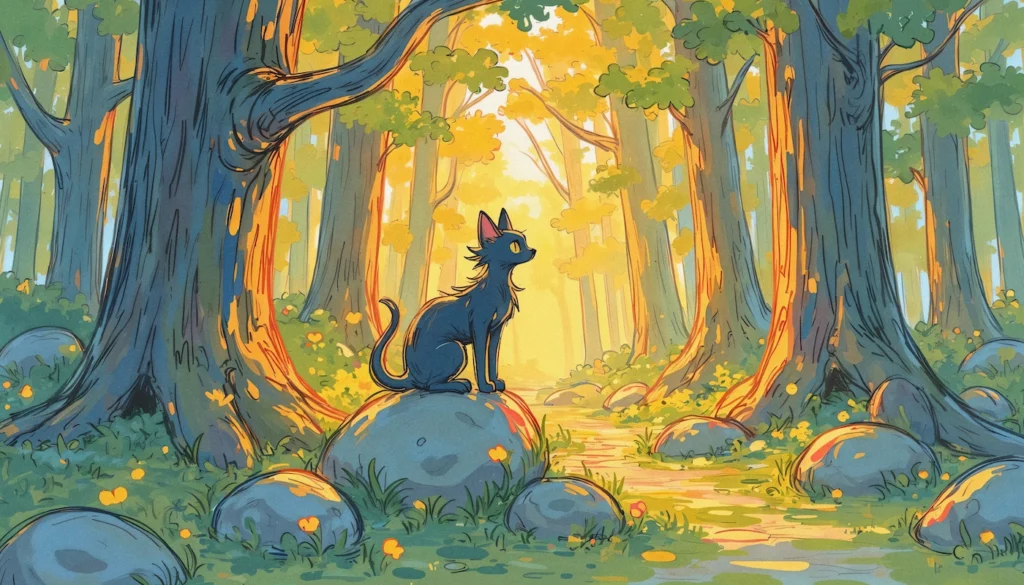
The Studio Ghibli art style—characterized by soft watercolor backgrounds, expressive character designs, and dreamlike atmospheres—has become one of the most requested aesthetics in AI art generation. This guide evaluates the top Studio Ghibli AI generators available in 2026, providing direct comparisons to help you choose the right tool for your project.
What Makes Studio Ghibli AI Art Distinctive?
Studio Ghibli AI art replicates the visual signature of Hayao Miyazaki’s animated films through machine learning models trained on artistic patterns. The defining characteristics include:
- Watercolor-style backgrounds with soft color gradients and atmospheric depth
- Hand-drawn character proportions featuring large eyes and natural body language
- Pastoral color palettes dominated by earth tones, sky blues, and sunset oranges
- Whimsical environmental details like floating particles, wind-blown grass, and cloud formations
Modern AI generators achieve this style through specialized training data that emphasizes these visual elements, allowing users to create original Ghibli-inspired artwork without traditional animation skills.
The 12 Best Studio Ghibli AI Generators (2026 Rankings)
1. Gaga AI (Image to Video)
Best for: Animating static Ghibli artwork
Gaga AI transforms Studio Ghibli-style images into short animated video clips, adding motion to AI-generated art.

Key Features:
- Converts still images to 3-5 second video clips
- Adds authentic Ghibli animation movement (hair blowing, clouds drifting)
- Supports 4K output resolution
- Average generation time: 90 seconds
Pricing: $7.9/month (Standard); $99/month (Pro with commercial license)
Workflow:
1. Generate a Ghibli-style image using any tool above
2. Upload to Gaga AI
3. Select animation style (gentle breeze, dramatic movement, etc.)
4. Download MP4 file
Limitation: Works best with landscape scenes; character-focused images may show artifacts
2. Midjourney (v6.5+)
Best for: Professional artists and commercial projects
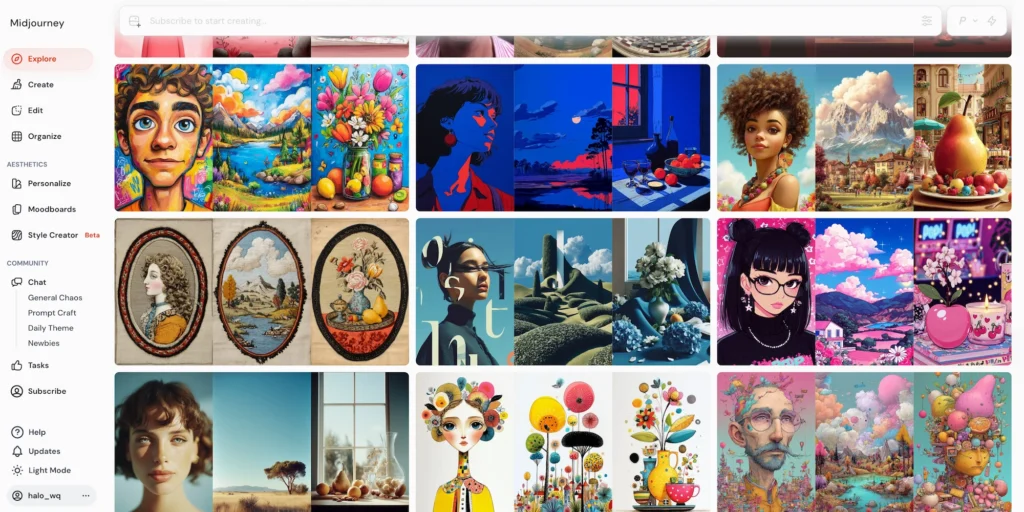
Midjourney dominates Studio Ghibli AI generation with its latest v6.5 model, which includes anime-specific training data.
Key Features:
- Native understanding of “Studio Ghibli style” prompts without additional modifiers
- Superior detail rendering in background landscapes and architectural elements
- Consistent character design across multiple generations
- Advanced prompt weighting for precise artistic control
Pricing: $10/month (Basic) to $120/month (Mega)
How to Use:
1. Join the Midjourney Discord server or use the web interface
2. Type /imagine followed by your prompt
3. Add –style ghibli or reference specific films like “Spirited Away aesthetic”
4. Use –ar 16:9 for cinematic landscape compositions
Limitations: Requires Discord familiarity; no free tier available in 2026
3. ChatGPT / GPT-4o Image Generation
Best for: Beginners and quick iterations
OpenAI’s GPT-4o includes DALL-E 3 integration, making it the most accessible Studio Ghibli AI generator for casual users.
Key Features:
- Conversational prompt refinement (“make it more like Totoro”)
- No separate registration beyond ChatGPT account
- Generates four variations per prompt automatically
- Built-in content policy prevents trademarked character replication
Pricing: Free with ChatGPT; $20/month for Plus (faster generation)
Prompt Template:
“A [subject] in Studio Ghibli animation style, watercolor background,
soft lighting, Miyazaki-inspired, pastoral color palette, highly detailed”
Best Use Case: Concept art, storyboarding, and personal projects
4. getimg.ai – Ghibli Diffusion Model
Best for: Style accuracy and customization
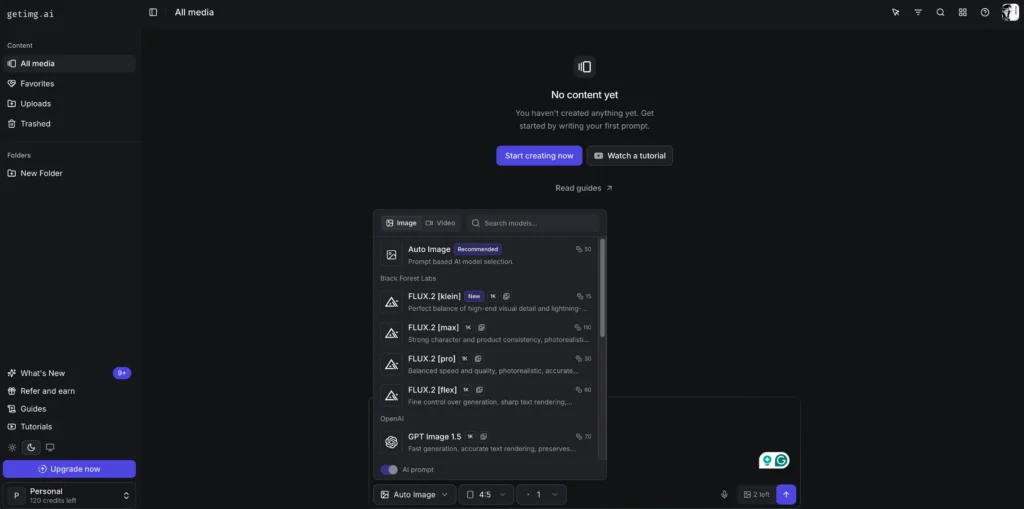
getimg.ai hosts a dedicated Ghibli Diffusion model fine-tuned specifically on Studio Ghibli visual characteristics.
Key Features:
- Pre-loaded Ghibli-specific LoRA (Low-Rank Adaptation) model
- Adjustable style strength slider (10-100%)
- Batch generation of up to 10 images simultaneously
- API access for developers
Pricing: Free tier (100 images/month); Pro starts at $12/month
Technical Advantage: The specialized diffusion model captures subtle texture details like cel-shading gradients and hand-painted cloud formations better than general-purpose generators.
5. Ghibli AI (Dedicated Platform)
Best for: One-click simplicity
The aptly named Ghibli AI platform offers a streamlined interface designed exclusively for Studio Ghibli art generation.
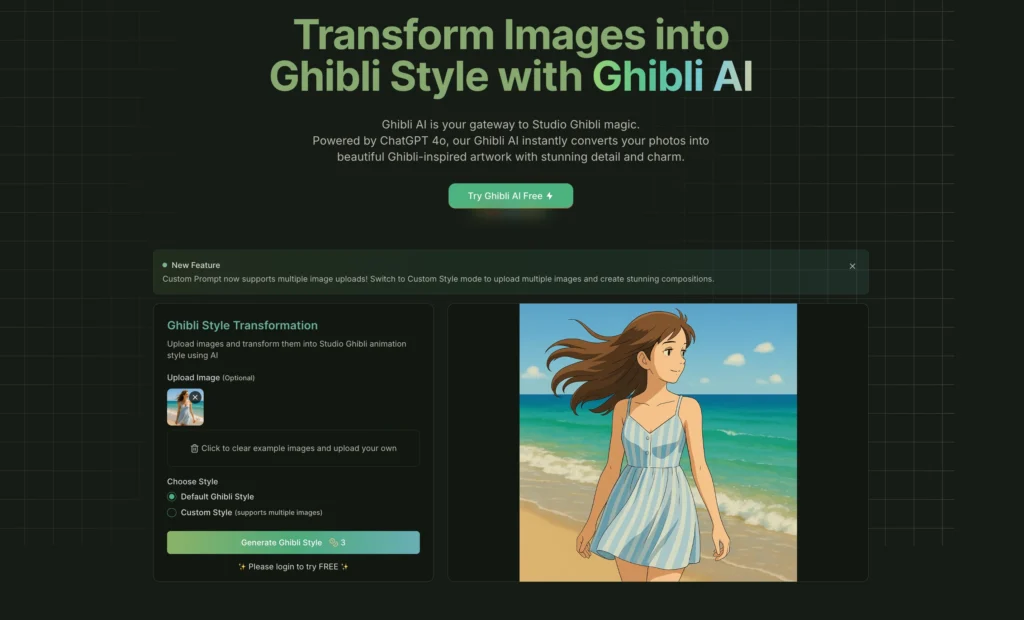
Key Features:
- Pre-set style templates (Totoro forest, Howl’s castle, Ponyo ocean)
- Mobile-optimized interface with touch controls
- Instant social media export (Instagram, Pinterest formats)
- No prompt engineering required
Pricing: $4.9-15.9/month
Ideal User: Social media content creators who need quick, consistent Ghibli aesthetics without technical setup
6. FLUX.1 (Anime-LoRA)
Best for: Open-source enthusiasts and developers
FLUX.1 with anime-specific LoRA models provides the most customizable Studio Ghibli AI generation for technical users.
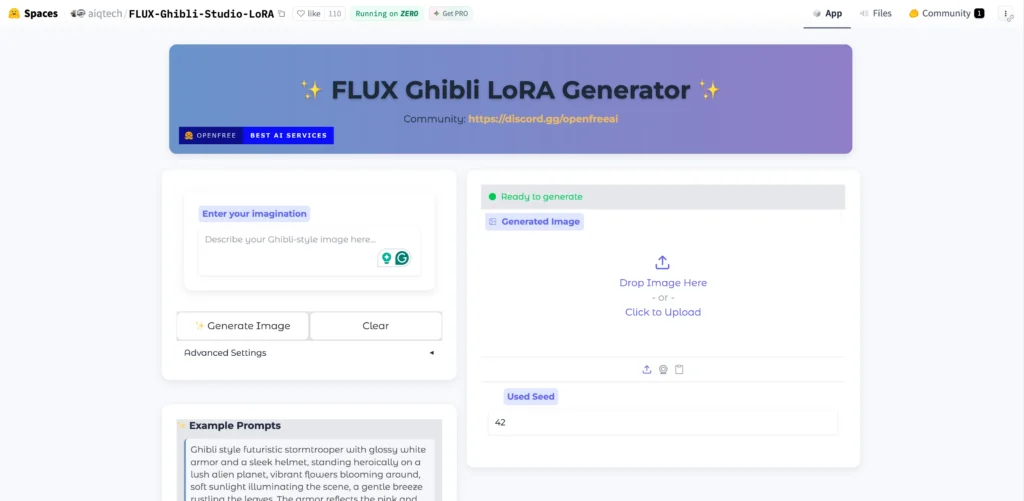
Key Features:
- Fully open-source with GitHub repository access
- Supports custom training on personal datasets
- Run locally (requires 12GB+ VRAM GPU) or via Replicate API
- Active community sharing optimized Ghibli prompts
Pricing: Free (self-hosted); Replicate API charges $0.003 per image
Technical Requirements: Python 3.10+, CUDA-compatible GPU, 50GB storage
Best Use Case: Studios building custom Ghibli-style pipelines for game development or animation pre-production
7. Adobe Firefly
Best for: Integration with Adobe Creative Cloud
Adobe Firefly’s Text-to-Image feature includes Ghibli-style generation with direct Photoshop and Illustrator export.
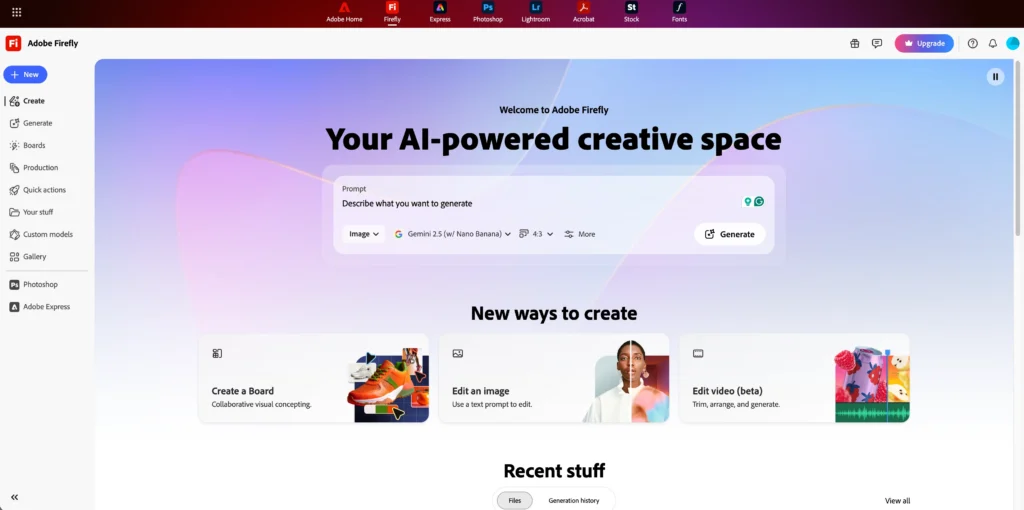
Key Features:
- Seamless layer export to Adobe apps
- Commercial-safe training data (no copyright concerns)
- “Ghibli watercolor” preset in style menu
- Vector conversion tools for logo and print work
Pricing: Included with Creative Cloud All Apps ($59.99/month); standalone at $4.99/month
Advantage for Designers: Generated Ghibli art automatically becomes editable layers, allowing post-processing without quality loss.
8. InsMind AI Studio
Best for: Background replacement and compositing
InsMind specializes in creating Studio Ghibli backgrounds and compositing real photos with Ghibli-style environments.
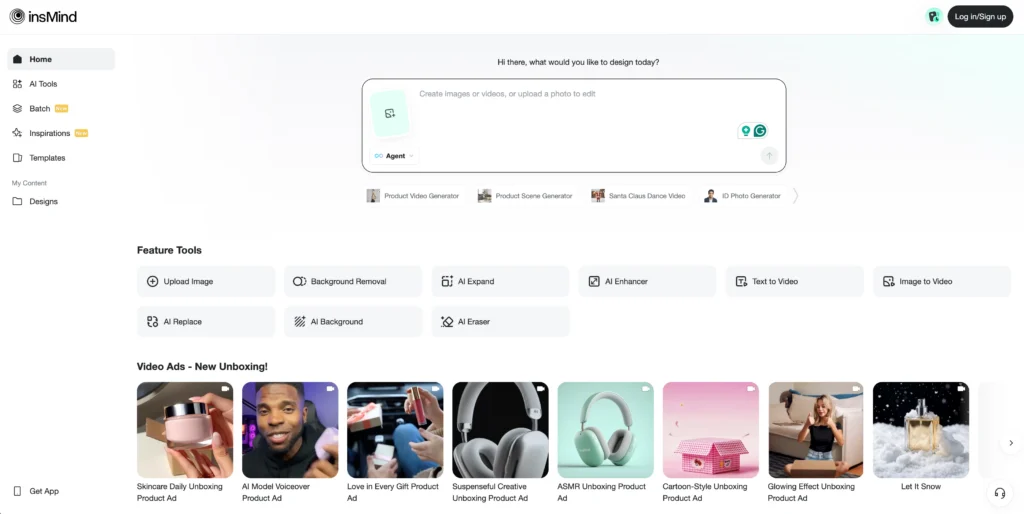
Key Features:
- Upload portrait photo, replace background with Ghibli landscape
- “Smart edge detection” maintains photo subject quality
- 50+ pre-made Ghibli environment templates
- Bulk processing for e-commerce product shots
Pricing: $12.99/month; free tier with watermark
Unique Application: E-commerce brands creating whimsical product photography with Ghibli aesthetics
9. Parrot AI
Best for: Conversational art direction
Parrot AI uses natural language processing to iteratively refine Studio Ghibli artwork through dialogue.
Key Features:
- “Make the sky more sunset-colored” style commands
- Saves full conversation history for project tracking
- Generates style guides from successful prompts
- Multi-user collaboration workspace
Pricing: $18/month (Pro); $49/month (Team)
Ideal for Teams: Art directors working with non-technical stakeholders who can describe desired changes in plain language
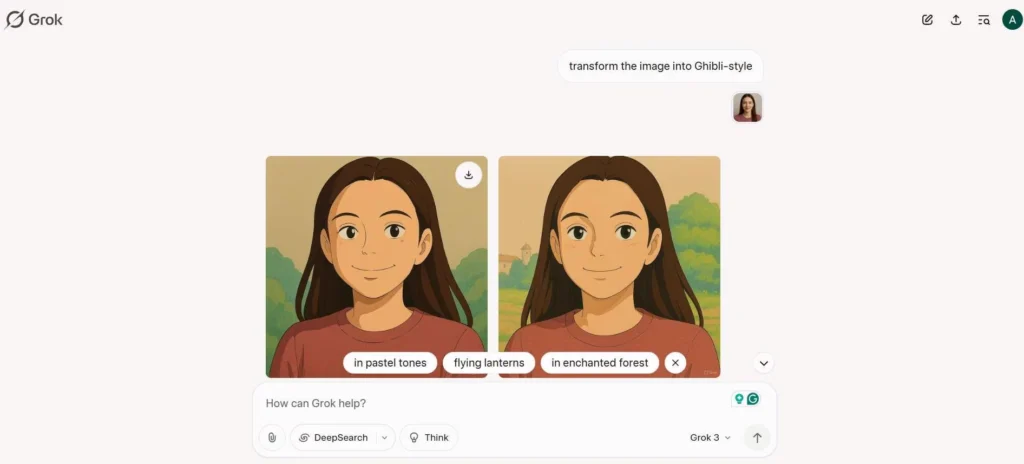
10. Grok (via xAI)
Best for: Real-time web-referenced generation
Elon Musk’s Grok AI includes image generation with live web search capabilities for current Ghibli references.
Key Features:
- Searches current Ghibli exhibitions and releases for style accuracy
- Fast generation (15-20 seconds average)
- Integrated fact-checking for cultural elements
- X (Twitter) direct posting
Pricing: Included with X Premium+ ($16/month)
Advantage: References 2026 Ghibli content that older models’ training data doesn’t include
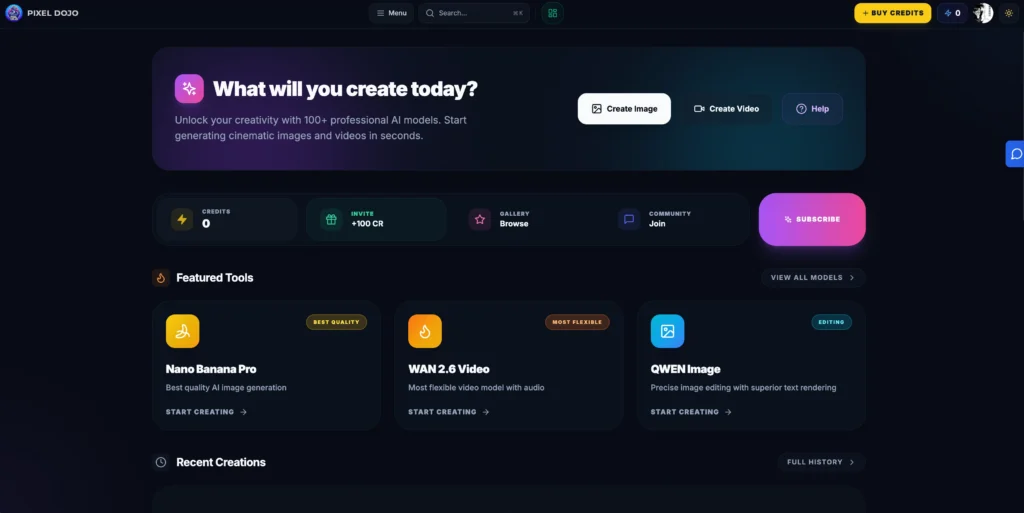
11. PixelDojo Studio Ghibli AI
Best for: Pixel art hybrid styles
PixelDojo combines Studio Ghibli aesthetics with pixel art rendering, creating a unique retro-modern fusion.
Key Features:
- Adjustable pixel density (16×16 to 256×256)
- Exports for game engines (Unity, Godot, Unreal)
- Ghibli-inspired color palette presets
- Sprite sheet batch generation
Pricing: $25/month
Niche Use: Indie game developers creating Ghibli-inspired 2D games
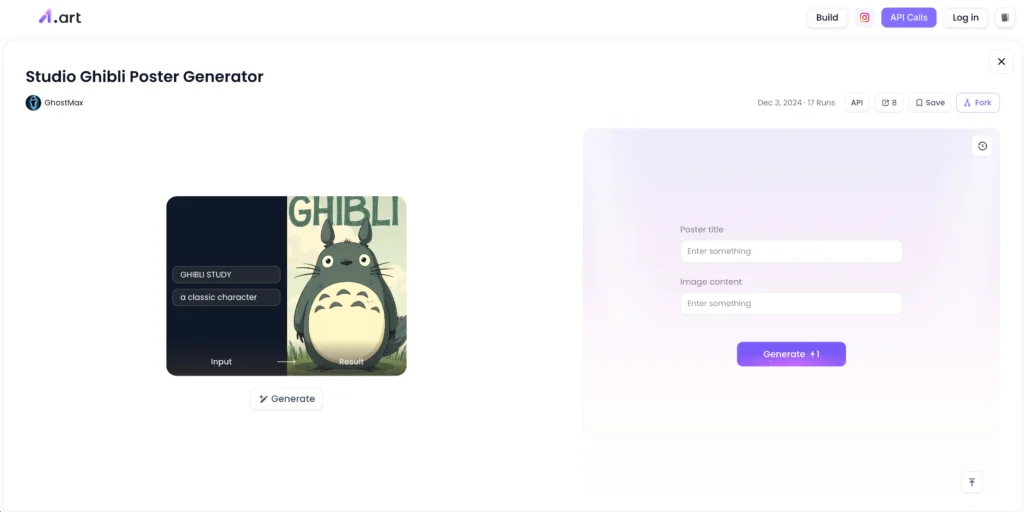
12. a1.art – AI Studio Ghibli-Style Generator
Best for: Mobile-first creation
a1.art offers a mobile app optimized for Studio Ghibli generation on smartphones with offline capabilities.
Key Features:
- Works without internet after initial model download
- Voice prompt input (speak your scene description)
- One-tap Instagram Story formatting
- Built-in AI style transfer from uploaded photos
Pricing: Free with ads; $6/month removes ads and adds unlimited generations
Mobile Advantage: Generate Ghibli art during commutes without draining mobile data
How to Make Studio Ghibli AI Art (Step-by-Step)
Creating authentic Studio Ghibli AI art requires more than typing “Ghibli style” into a prompt box. Follow this workflow for professional results:
Step 1: Choose Your Subject Matter
Ghibli aesthetics work best with:
- Natural landscapes (forests, coastal villages, countryside)
- Everyday moments (girl reading by window, cat sleeping in sunbeam)
- Fantastical architecture (floating castles, bathhouse exteriors, moving houses)
Avoid: Modern technology, urban cityscapes (unless incorporating magical realism)
Step 2: Structure Your Prompt
Use this proven formula:
[Subject] + [Setting] + “Studio Ghibli animation style” +
[Lighting] + [Color palette] + [Technical quality]
Example:
A small cottage on a hillside, surrounded by wildflowers, Studio Ghibli
animation style, golden hour lighting, warm earth tones with sky blue accents,
watercolor texture, highly detailed, Miyazaki inspired
Step 3: Refine with Negative Prompts
Tell the AI what to avoid:
Negative prompt: photorealistic, CGI, 3D render, modern clothing,
sharp edges, neon colors, dark themes
Step 4: Iterate on Composition
- Generate 4-5 variations
- Select the best base image
- Use tools like ChatGPT to request specific changes (“make clouds fluffier”)
- Run the refined prompt through your primary generator
Step 5: Post-Processing (Optional)
For commercial work:
1. Upscale to 4K using Topaz Gigapixel AI
2. Adjust contrast and saturation in Photoshop (Ghibli art typically has +10% saturation)
3. Add subtle film grain overlay (5-7% opacity)
Time Investment: 15-30 minutes per polished image
Comparing Studio Ghibli AI Generators (Quick Reference)
| Tool | Best For | Price | Free Tier | Output Quality |
| Midjourney | Professionals | $10-120/mo | No | Exceptional |
| ChatGPT | Beginners | Free-$20/mo | Yes | Very Good |
| getimg.ai | Style accuracy | $12+/mo | Yes (limited) | Excellent |
| Gaga AI | Animation | $8-99/mo | Yes | Excellent |
| FLUX.1 | Developers | Free/API | Yes | Excellent |
| Adobe Firefly | Designers | $5-60/mo | Limited | Very Good |
Selection Criteria:
- Hobbyists: Start with ChatGPT’s free tier
- Content creators: Midjourney or Ghibli AI
- Developers: FLUX.1 for customization
- Studios: Adobe Firefly for workflow integration
Common Mistakes When Creating Studio Ghibli AI Art
1. Over-prompting
Adding too many descriptors confuses the AI. Keep prompts under 75 words.
2. Ignoring aspect ratio
Ghibli films use cinematic ratios. Use:
- –ar 16:9 for landscapes
- –ar 2:3 for character portraits
- –ar 1:1 for social media posts
3. Requesting copyrighted characters
Most generators block “Totoro” or “No-Face” by name. Instead, describe: “large forest spirit” or “masked character with black body.”
4. Neglecting lighting direction
Specify: “backlit sunset,” “soft window light,” or “overcast daylight” for authentic Ghibli mood.
5. Using modern references
Ghibli aesthetics favor timeless settings. Avoid smartphones, cars newer than 1980, or contemporary fashion.
Legal Considerations for Studio Ghibli AI Art
Commercial Use:
- AI-generated Ghibli-style art is legal if it doesn’t replicate copyrighted characters or scenes
- Tools like Adobe Firefly use commercially safe training data
- Always check individual tool’s commercial license terms
Copyright Gray Areas:
- Creating “Totoro in a different scene” may infringe Studio Ghibli’s trademarks
- Selling prints that reference “Studio Ghibli” in product descriptions risks legal action
- Derivative works for portfolios generally fall under fair use
Best Practice: Use Ghibli aesthetics for original characters and scenes, avoiding direct IP references.
FAQ: Studio Ghibli AI Generators
Can I use Studio Ghibli AI art for commercial projects?
Yes, but with important caveats. AI-generated art in Ghibli’s style is legal for commercial use if you own the rights to the specific image and it doesn’t replicate copyrighted characters. Always verify your chosen tool’s commercial license—platforms like Midjourney and Adobe Firefly explicitly allow commercial use with paid subscriptions, while free tiers may restrict this. Never use AI to recreate Totoro, No-Face, or other protected Studio Ghibli characters for commercial purposes.
What’s the best free Studio Ghibli AI generator?
ChatGPT with GPT-4o offers the best free Studio Ghibli AI generation in 2026. It produces high-quality results without watermarks and requires only a free OpenAI account. The interface is beginner-friendly, allows conversational refinement (“make the sky more pink”), and generates four variations per prompt. For users wanting more control, FLUX.1 is technically free but requires technical setup and a capable GPU for local generation.
How do I make Studio Ghibli AI art look more authentic?
Focus on five elements that define authentic Ghibli aesthetics: (1) Use watercolor-specific prompts like “soft gradient backgrounds” and “hand-painted textures,” (2) Specify pastoral lighting—”diffused sunlight” or “golden hour glow,” (3) Request earth-tone color palettes with sky blue accents, (4) Add environmental motion cues like “wind-blown grass” or “drifting clouds,” (5) Include the phrase “Hayao Miyazaki inspired” which most models associate with proper character proportions. Avoid terms like “photorealistic” or “3D render” in your prompts.
Can AI recreate specific Studio Ghibli movie scenes?
AI generators cannot legally recreate exact copyrighted scenes from Ghibli films like Spirited Away or My Neighbor Totoro. Most platforms actively block prompts requesting protected characters or specific movie stills. However, you can create original scenes inspired by Ghibli’s visual language—a bathhouse exterior that isn’t Yubaba’s, or a forest spirit that isn’t Totoro. Use descriptive prompts like “large friendly forest creature” rather than character names to avoid copyright violations while maintaining the aesthetic.
Which Studio Ghibli AI generator works best for animation?
Gaga AI is specifically designed to animate static Ghibli-style artwork, converting images into 3-5 second video clips with authentic Ghibli motion characteristics—swaying grass, drifting clouds, and gentle character movements. For longer animations, combine multiple tools: generate keyframes with Midjourney, animate with Gaga AI, then extend and refine with RunwayML’s Gen-2. Professional studios use this multi-tool approach because no single platform handles the full animation pipeline for Ghibli-style projects.
Do I need artistic skills to use Studio Ghibli AI generators?
No artistic ability is required to create Studio Ghibli AI art. The generators handle all technical execution—you only need to describe your vision in words. However, understanding basic composition principles (rule of thirds, foreground/background depth) significantly improves results. Beginners should start with ChatGPT’s conversational interface, which lets you refine images through dialogue: “make the cottage smaller,” “add more flowers,” etc. As you learn what works, advance to tools like Midjourney that offer more precise control through prompt parameters.
How long does it take to generate Studio Ghibli AI art?
Generation speed varies by tool: ChatGPT and Grok produce results in 15-30 seconds, Midjourney takes 40-60 seconds, while FLUX.1 on consumer GPUs requires 2-3 minutes. The full creative process—including prompt refinement and iteration—typically takes 15-30 minutes per polished image. Gaga AI’s video animations require an additional 90 seconds to 2 minutes. Batch processing multiple variations simultaneously (available in getimg.ai and Midjourney) reduces overall time investment for projects requiring numerous images.
Can I train a custom Studio Ghibli AI model?
Yes, advanced users can fine-tune open-source models like FLUX.1 or Stable Diffusion with custom Ghibli datasets. This requires: (1) A collection of 50-200 reference images capturing your desired style, (2) A GPU with 12GB+ VRAM (RTX 3060 or better), (3) Training software like Dreambooth or LoRA, (4) 8-24 hours of training time. The technical process involves adjusting learning rates and preventing overfitting. Most users find pre-trained models sufficient, but custom training allows studios to create distinctive signature styles beyond generic Ghibli aesthetics.
Final Recommendations
For immediate results: Start with ChatGPT’s free tier to experiment with prompts and understand what Ghibli aesthetics work for your needs.
For serious projects: Invest in Midjourney ($10/month) after mastering prompt fundamentals—its quality-to-cost ratio remains unmatched in 2026.
For specialized workflows: Combine tools strategically: Midjourney for image generation → Gaga AI for animation → Adobe Firefly for final editing.
The Studio Ghibli aesthetic’s enduring appeal ensures these AI tools will continue evolving. Bookmark this guide and revisit quarterly—the AI art generation landscape shifts rapidly, with new models and capabilities emerging every 3-4 months.