Key Takeaways
- AI hugging technology transforms static photos into dynamic videos showing realistic embraces between people
- Free AI hugging generators like Vidu AI and Gaga AI require only photo uploads to create personalized content
- These tools use motion synthesis and pose estimation to animate natural hugging interactions
- Generated videos serve purposes from emotional connection to creative storytelling and memorial tributes
- Most platforms process requests in under 2 minutes with minimal technical expertise required
Table of Contents
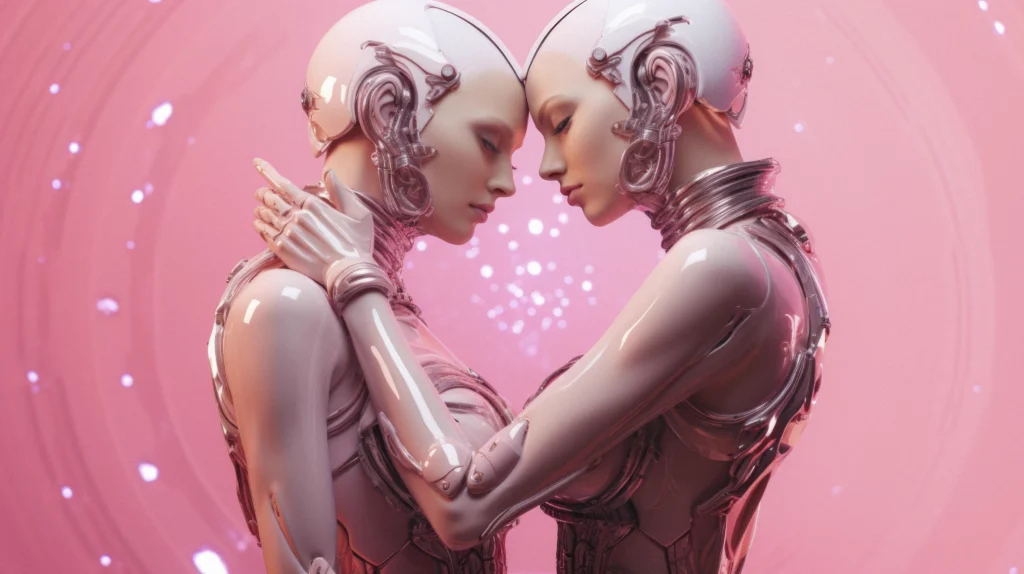
Distance separates us from the people we love—sometimes by miles, sometimes by years, and sometimes forever. While video calls and photos help bridge the gap, they lack the warmth of physical touch that defines our most meaningful connections. AI hugging technology is changing this dynamic by transforming static photographs into living, moving moments of embrace.
Whether you’re visualizing a reunion with a deployed family member, creating memorial content featuring a departed loved one, or simply exploring creative possibilities for social media, AI hugging generators offer an emotionally resonant solution that was impossible just a few years ago. This technology doesn’t replace real human connection, but it provides a meaningful way to visualize and experience embraces that geography, time, or circumstance prevent from happening physically.
In this comprehensive guide, you’ll discover how AI hugging works, which platforms deliver the best results, and exactly how to create your own virtual embrace videos—from selecting the right photos to downloading professional-quality output. Let’s explore how artificial intelligence is bringing people closer together, one generated hug at a time.
What Is AI Hugging?
AI hugging is a video generation technology that creates realistic virtual embrace sequences from static photographs. The AI analyzes facial features, body positioning, and spatial relationships between subjects to synthesize natural hugging motions, producing videos where people appear to embrace even if they’ve never physically met.
This technology emerged from advances in generative AI, motion capture synthesis, and deep learning models trained on thousands of human interaction patterns. Unlike simple photo morphing, AI hugging generators understand biomechanics—how bodies move, how arms wrap, and how weight shifts during an embrace.
Why AI Hugging Matters Now
The technology addresses genuine emotional needs. Families separated by distance use these tools to visualize reunions. Content creators generate engaging social media material. Memorial services employ AI hugging videos to create comforting tributes featuring deceased loved ones with surviving family members.
Top 6 AI Hugging Generator Products
The AI hugging generator landscape includes everything from user-friendly mobile apps to sophisticated professional tools and open-source solutions. Each platform brings distinct strengths, whether that’s processing speed, output quality, emotional authenticity, or creative control.
The following platforms represent the current state of the art in AI hugging technology. Some prioritize ease of use with one-click generation, while others offer granular control for users who want to fine-tune every aspect of the embrace. Your ideal choice depends on your technical comfort level, budget, and the specific type of content you want to create.
1. Gaga AI
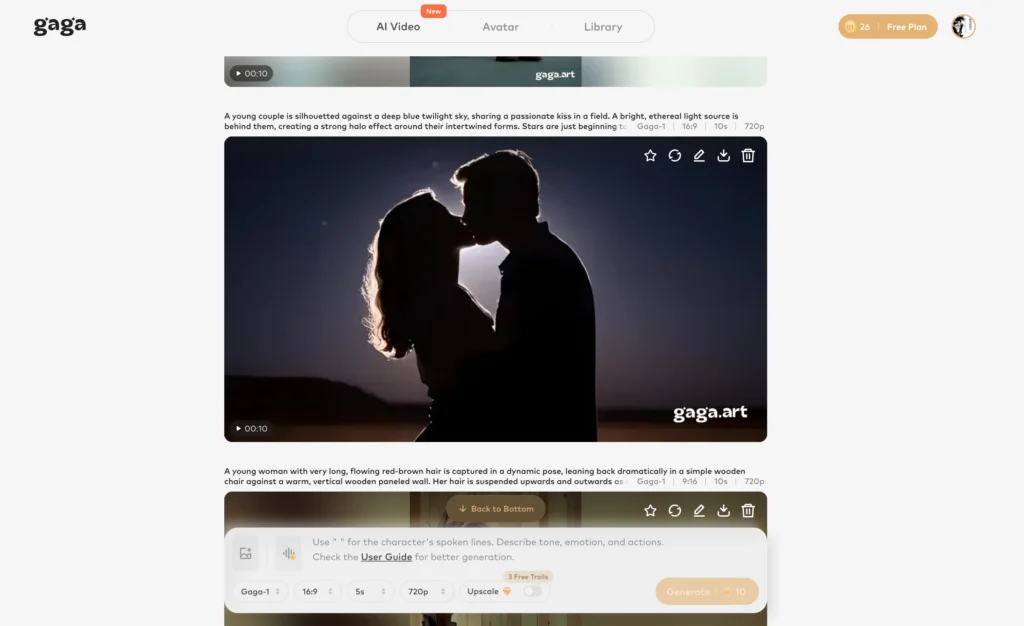
Gaga AI provides an intuitive interface specifically designed for relationship-focused video content. The platform excels at generating hugging videos that feel emotionally genuine rather than mechanically animated.
Key Features:
- One-click image to video generation from photo pairs
- Automatic body position optimization
- Natural arm placement algorithms
- Emotional tone adjustment sliders
Ideal Use Cases: Social media content, relationship milestone videos, reunion visualizations.
2. Vidu AI Hugging
Vidu AI specializes in character-consistent video generation with particularly strong hugging synthesis capabilities. The platform maintains facial identity across all generated frames, preventing the morphing artifacts common in lower-quality tools.

Strengths:
- Processes 4-second hugging videos in approximately 90 seconds
- Supports multiple people in a single scene
- Maintains high resolution output (1080p standard)
- Offers style customization for different emotional tones
Best For: Users prioritizing facial consistency and emotional authenticity in generated embraces.
3. Wondercraft AI
While primarily known for audio content, Wondercraft AI expanded into visual generation with sophisticated motion modeling. Their AI hugging feature integrates audio analysis to sync emotional music with the generated embrace.
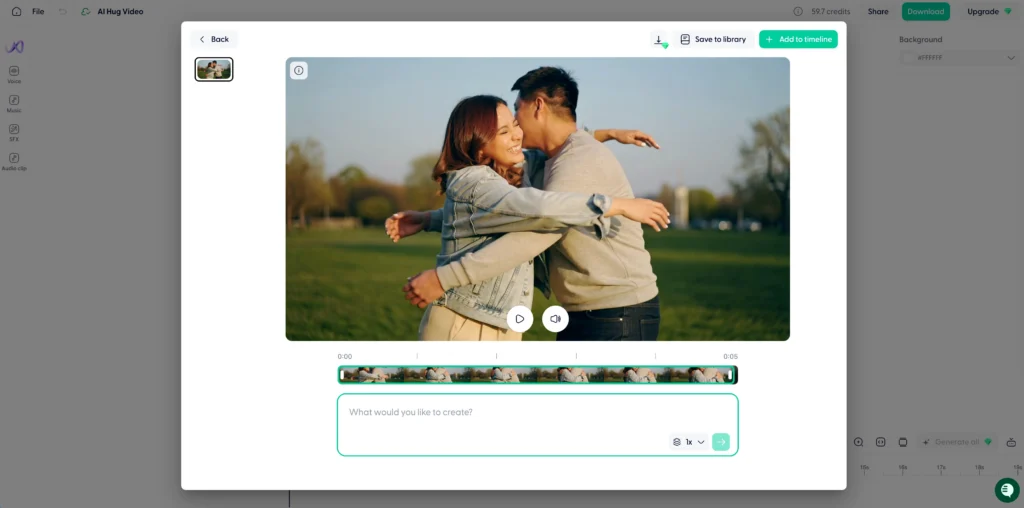
Distinguishing Capabilities:
- Audio-visual synchronization
- Background music generation matching the mood
- Extended video length options (up to 10 seconds)
- Scene context awareness for environmental consistency
4. Digen AI
Digen AI focuses on memorial and commemorative applications, with specialized models trained on gentle, respectful embrace interactions suitable for tribute videos.
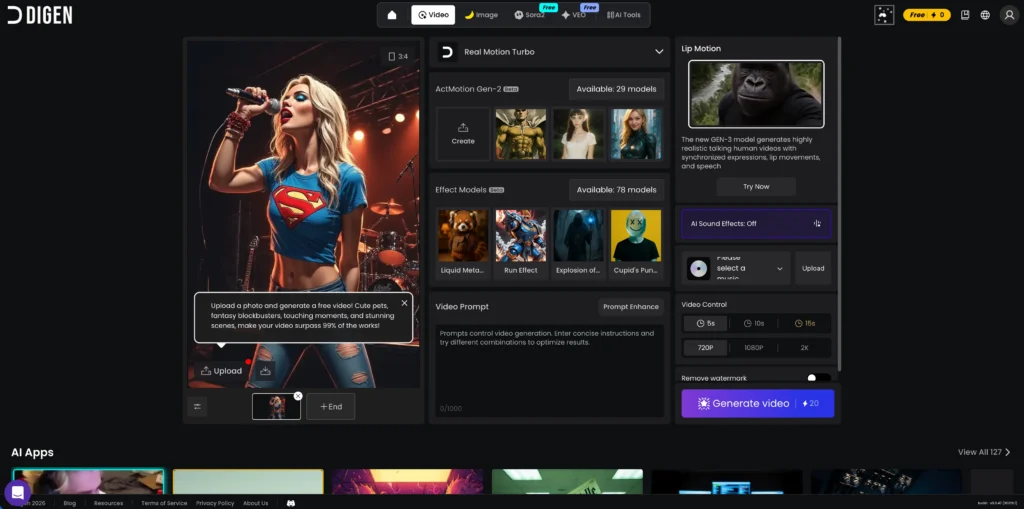
Specialized Features:
- Historical photo enhancement before generation
- Age-appropriate body positioning
- Soft motion profiles for solemn contexts
- Privacy-focused processing with automatic deletion
5. Higgsfield AI
Higgsfield AI brings professional-grade controls to AI hugging generation, offering granular adjustment over motion parameters that advanced users appreciate.

Professional Tools:
- Keyframe control for custom motion paths
- Multi-angle generation from single input
- Batch processing for multiple photo pairs
- API access for integration into creative workflows
6. ComfyUI
ComfyUI represents the open-source approach to AI hugging generation. This node-based interface allows complete customization of the generation pipeline but requires technical comfort.
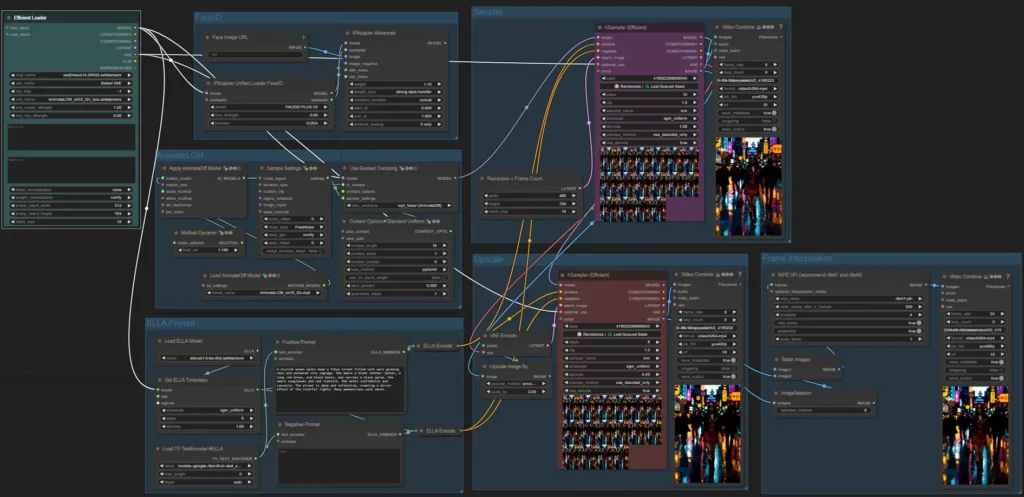
Technical Approach:
- Fully customizable processing workflows
- Local processing option (no cloud upload required)
- Model flexibility (swap different AI models)
- No usage limits or subscription requirements
Trade-off: Steeper learning curve; requires understanding of AI model workflows.
How to Generate AI Hugging Videos: Step-by-Step
Preparing Your Source Photos
Quality input determines quality output. Follow these preparation guidelines:
Photo Requirements:
- Clear facial visibility (no sunglasses or heavy shadows)
- Front-facing or slight angle poses work best
- Similar lighting conditions between photos
- Minimum resolution of 512×512 pixels per person
- Unobstructed view of upper body
Common Mistakes to Avoid:
- Using group photos where subjects are too small
- Extreme angle differences between the two photos
- Heavily filtered or edited source images
- Low-resolution or blurry photographs
Generation Process (Universal Steps)
Step 1: Upload Photos
Select your two source images. Most platforms accept JPG, PNG, or WEBP formats up to 10MB per image.
Step 2: Position Adjustment
Use the platform’s alignment tools to ensure faces are at comparable scales. Many generators offer automatic scaling, but manual verification improves results.
Step 3: Motion Configuration Choose your hugging style:
- Frontal embrace (face-to-face)
- Side hug (shoulder-to-shoulder)
- Rear embrace (one person behind)
- Full wrap (arms completely around)
Step 4: Generate and Refine
Initiate generation. Processing typically takes 60-120 seconds. Review the result and use refinement options if the first attempt shows artifacts.
Step 5: Export and Share
Download in your preferred format. Most platforms offer MP4 (compatibility), WebM (smaller file size), or GIF (social media ready).
How AI Hugging Generators Work
AI hugging video generators operate through a four-stage technical process that transforms static images into dynamic motion sequences.
The Technical Pipeline
Stage 1: Image Analysis
The AI scans uploaded photos to identify human figures, facial landmarks, body pose keypoints, and depth information. Advanced models detect 133 facial points and 33 body pose markers per person.
Stage 2: Motion Synthesis
The system references a trained database of real hugging interactions to determine realistic motion paths. It calculates trajectory curves for how each person should move toward the other, accounting for height differences and body proportions.
Stage 3: Frame Generation
Using diffusion models or transformer architectures, the AI generates intermediate frames between the starting pose and the embrace position. This creates smooth motion rather than abrupt transitions.
Stage 4: Refinement
Post-processing stabilizes the video, adjusts lighting consistency across frames, and applies natural motion blur to enhance realism.
What Makes Quality Results
The best AI hugging generators produce videos where:
- Arms wrap naturally around the other person’s body
- Eye gaze shifts appropriately during approach
- Clothing moves realistically without distortion
- Shadows and lighting remain consistent
- Facial expressions show genuine warmth
FAQ: AI Hugging Common Questions
Is AI hugging free?
Several AI hugging generators offer free tiers with limitations. Vidu AI provides 3 free generations daily, while ComfyUI is completely free if you run it locally. Free versions typically include watermarks, lower resolution (720p), and slower processing. Premium tiers starting around $10-20/month remove these restrictions and add commercial usage rights.
How long does it take to generate an AI hugging video?
Standard processing time ranges from 60 to 120 seconds for a 4-second video on most cloud platforms. Vidu AI averages 90 seconds. Higgsfield AI’s professional tier offers priority processing completing in under 60 seconds. Local processing through ComfyUI depends on your hardware but typically takes 3-5 minutes on consumer GPUs.
Can AI hugging video generators work with old photos?
Yes, AI hugging tools process photographs from any era. Many platforms include automatic photo restoration features that enhance faded, damaged, or low-resolution historical images before generating the embrace video. For best results with vintage photos, scan at minimum 600 DPI and use platforms like Digen AI that specialize in historical content.
How can I make AI hugging videos look more realistic?
Maximize realism by using high-quality source photos with even lighting and clear facial visibility, ensuring both subjects have similar image quality and resolution, choosing photos with complementary angles—both looking slightly toward each other works better than profile shots, selecting gentle motion options rather than dramatic embrace styles, and using premium generators with better facial consistency models like Vidu AI or Higgsfield AI.
Can I use AI hugging videos commercially?
Commercial usage rights depend on your subscription tier and platform terms. Free versions rarely grant commercial licenses. Gaga AI and Wondercraft AI’s paid plans ($20+/month) explicitly include commercial rights for marketing, social media advertising, and content monetization. Always verify licensing terms before using generated videos in commercial contexts.
Final Verdict
AI hugging technology represents more than just another creative tool in the generative AI landscape—it touches something fundamentally human. The ability to visualize embraces that distance, time, or circumstance prevent from happening physically offers comfort, connection, and creative possibilities that simply didn’t exist before.
Whether you’re using Vidu AI for its facial consistency, Gaga AI for its emotional authenticity, or exploring the full customization of ComfyUI, these platforms put sophisticated video generation capabilities within reach of anyone with photographs and an internet connection. The technology continues to improve rapidly, with each generation of models producing more natural motion, better lighting consistency, and fewer artifacts.