Key Takeaways
- Text to video AI converts written prompts into fully generated video clips using diffusion, transformer, or hybrid generative models.
- Modern models (Gaga AI, Flux-Kontext-Pro, Pika Labs, Runway) create realistic motion, characters, and scenes from a single prompt.
- Gaga AI excels in character-driven performance and expressive acting, making it ideal for storytelling, marketing, and talking-character content.
- You can create an AI video from text in minutes using free or paid online tools.
- Quality depends on prompt design, model capability, context length, and motion coherence.
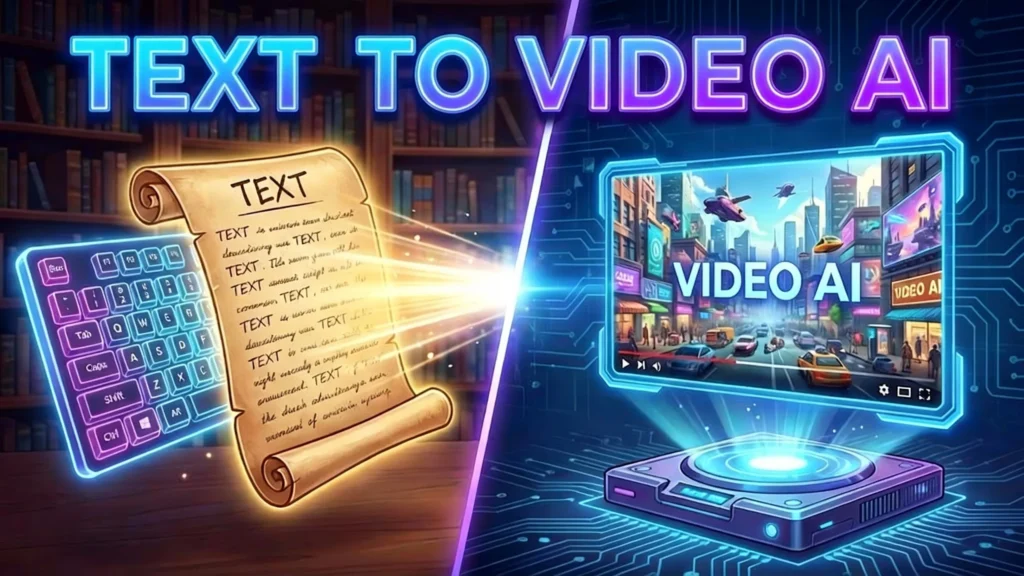
Table of Contents
What Is Text to Video AI?
Text to video AI is an artificial intelligence system that turns natural-language prompts into fully generated video sequences.
This includes models like Gaga AI, Pika, Flux-Kontext-Pro, and Runway Gen-3, which are optimized for different output styles such as cinematic realism, animation, or character acting.
How Does Text to Video AI Work?
Text to video AI works by interpreting a text prompt, converting it into a latent representation, and generating motion-consistent frames using diffusion or transformer models.
Where Gaga AI Fits In
Gaga AI uses a character-performance generation architecture, enabling:
- nuanced emotional expression
- stable character identity
- accurate body-language mapping
- synchronized facial and motion dynamics
This makes Gaga AI uniquely strong for talking avatars, cinematic acting, NPC-style animations, and narrative content.
What Can You Create With Text to Video AI?
You can use text to video AI to create marketing videos, cinematic scenes, explainers, animated characters, and product demos.
Gaga AI Use Case Highlights
Gaga AI is particularly strong for:
- talking-character videos
- emotionally expressive acting
- NPC cutscenes for games
- dialogue-driven marketing videos
- script-to-performance storytelling
- short narrative clips with consistent characters
How to Create an AI Video From Text (Step-by-Step)
Step 1 — Choose a Text-to-Video AI Generator
Now updated with Gaga AI:
- Gaga AI – Best for expressive acting, talking characters, story-driven clips.
- Pika Labs – Great for stylized motion and animation.
- Flux-Kontext-Pro – Excellent for long-context cinematic generation.
- Runway Gen-3 Alpha – Best for realistic physics and live-action style.
- Leonardo Video – Beginner-friendly templates.
- Free Tools: PixVerse, ModelScope, MiniMax demos.
Step 4 — Generate & Refine
On Gaga AI, refine using:
- Emotion control
- Facial expression adjustment
- Lip-sync alignment
- Shot style presets (close-up, mid-shot, vlog, cinematic)
Best Text to Video AI Generators (2025 List)
The best text to video AI generators in 2025 are Gaga AI, Flux-Kontext-Pro, Pika Labs, Runway Gen-3, and Google Veo.
Updated Comparison Table
| Model / Tool | Strengths | Ideal For | Free Tier |
| Gaga AI | Expressive acting, talking characters, narrative scenes | Marketing, NPCs, storytellers | Limited |
| Flux-Kontext-Pro | Long-context, detailed scenes | Cinematic & narrative videos | Limited |
| Pika Labs | Strong motion, expressive animation | Social content, creative clips | Yes |
| Runway Gen-3 Alpha | Photorealistic, physics-consistent | Ads, filmmaking | Limited |
| Google Veo | High fidelity, stable motion | Professional production | No |
| Leonardo Video | Templates, easy UI | Beginners | Yes |
Gaga AI: A Top Text-to-Video Model for 2025
Gaga AI is a text-to-video generation model optimized for expressive acting, emotional performance, and consistent character-driven storytelling.
Why Gaga AI Stands Out
- Performance-first architecture → natural facial expressions, accurate micro-motions
- Dialogue-compatible → strong lip-sync and speech-aligned acting
- Cinematic realism → looks natural in interview, vlog, documentary, and product demo formats
- Character consistency → no identity drift even across multi-shot clips
- Ideal for creators → brands, influencers, educators, and narrative artists
Typical Scenarios
- talking head videos
- storytelling content
- product explainers with a digital presenter
- NPC dialogue in games
- cinematic short clips for social media
- emotion-driven scenes (excitement, surprise, sadness, determination)
Advanced Models: Flux-Kontext-Pro, Flux.1Kontext & Gaga AI
Flux-Kontext-Pro delivers long-context reasoning, while Gaga AI focuses on character performance and expressive acting. Together, they represent two dominant model categories shaping 2025 text-to-video generation.
Model Positioning
- Gaga AI → Performance, expression, character realism
- Flux-Kontext-Pro → Cinematic control, long-context coherence
- Pika Labs → Motion stylization and dynamic action
This triangulation helps creators choose the right engine based on output needs.
FAQ (Updated With Gaga AI)
Is Gaga AI good for text to video?
Yes. Gaga AI is one of the best text-to-video AI models for generating expressive acting, talking characters, and emotionally rich scenes.
What is Gaga AI used for?
Gaga AI is used for marketing videos, NPC animation, talking-head explainers, YouTube content, and any scenario requiring strong character performance.
Is Gaga AI free?
Gaga AI offers a limited free tier, with premium plans for higher resolution and longer video generation.
Which AI model is best for creating videos from text?
For talking characters → Gaga AI
For cinematic motion → Flux-Kontext-Pro
For stylized animation → Pika Labs
For realism → Runway Gen-3
Related Posts:
 Deepfake AI: Complete Guide to Technology, Tools, and Ethical Applications
 Uncensored AI Video Generators: What They Are, How They Work, and 13 Tested Platforms for Creative Projects
 AI Boyfriend Video Generator: Complete Guide to Creating Your Digital Companion
 Best Lip Sync AI Tools: Complete Comparison Guide for Video Creators